Remove image background

Upload your file and remove the background instantly

Select AI Model

Files deleted after 24 hours

or Drag and Drop files here

Uploading

0%

Remove image background: How to remove background from image

1.
To convert a remove background from an image, drag and drop or click our upload area to upload the file

2.
Your file will go into queue

3.
Our machine learning/artificial intelligence software will remove the background image

4.
Save your PNG with the background removed.
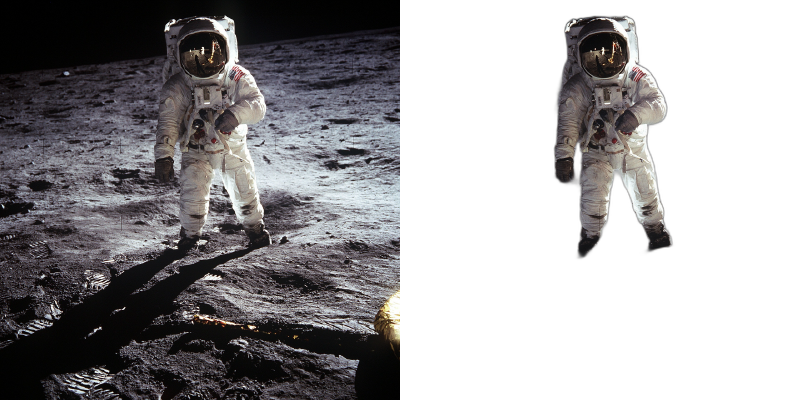
Remove image background

Frequently Asked Questions

Simply upload your image by clicking the upload button or dragging and dropping it onto the page. Our AI will automatically detect the subject and remove the background in seconds. You can then download the result with a transparent background.

The Normal model works great for any subject including products, objects, and people. The Human model is specially optimized for portraits and full-body photos, providing better edge detection around hair and skin tones.

Pro users can upload and process multiple images simultaneously with our bulk processing feature. Free users can process one image at a time, up to 3 images per session.

You can download your processed images as PNG (recommended for transparency), BMP, or TIFF. PNG is the most common format for images with transparent backgrounds.

Free users can upload images up to 10MB. Pro users can upload images up to 50MB for higher resolution processing.

The checkerboard pattern indicates transparency. When you download the PNG file and use it in other applications, those areas will be transparent, allowing any background to show through.

Or drop your files here

220,709
Files converted

-
Loading...